$ claude> /brainstorm "Implement auth token refresh"... Drafted 2026-11-01-auth-spec.mdCalling agy peer: adversarial-panel-review...[PASS] Spec hardened. Proceeding to implementation.Running agy-capstone review on commit e4f12a...
$ agy-peer --listen[PANEL REVIEW] 3 seats convened: SecOps, Arch, PerfFound: token expiration missing clock skew buffer.[CAPSTONE] Auditing committed code & tests...VERDICT: GREEN (0 blocking defects, tests hardened)
Why dual-agent collaboration?
-
Independent Peer Review
Breaks self-confirmation bias. Claude Code builds while an independent Gemini model in Antigravity challenges architectural assumptions and reviews diffs before merge.
-
Adversarial Quality Gates
Multi-seat review panels, rounds-until-green capstone reviews, and rigorous test audits catch edge cases that single agents routinely miss.
-
Shared Memory & Learning
Cross-agent memory ensures facts and bug patterns discovered by one agent are immediately known by the other, eliminating repetitive failures.
How it works
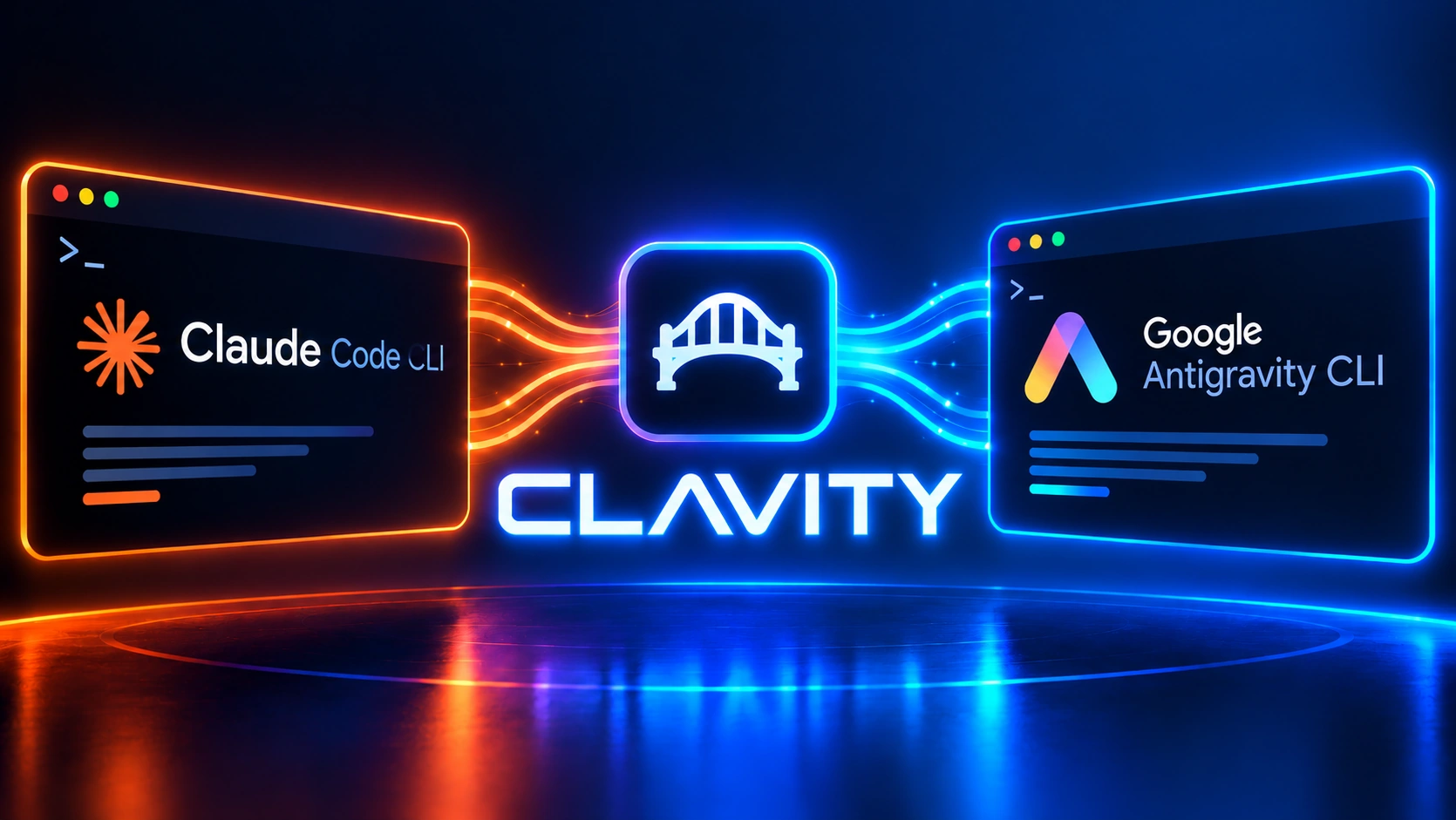
clavity starts a Claude Code instance and an Antigravity (agy) instance in the same folder. Claude Code is the driver: it implements and verifies. Antigravity is the peer: it reviews and recommends.
You need superpowers installed first. You start with a brainstorm, which ends in a design document. That design goes to agy for an expert-panel review (adversarial-panel-review), and the implementation plan written from it gets the same treatment. You then choose how to implement: subagent-driven or inline. After the build, Claude runs agy-capstone to improve the code, and a final agy-test-audit hardens your test suites before the plan is declared complete.
Bonus: automatic debugging. Claude captures pre-existing defects it finds in your repo, including those seen by subagents. At the end of a plan, say "start the triage" and the defects are organised into a ranked backlog.
Every one of those review steps can be waived with a prompt, and there is a fallback if agy will not start. These two notes are quoted from the README.
All the above can be waived by prompts. Say for example "Waive agy for this step" and claude will execute the step solo.
In case you have problem to start agy (e.g. quota exhausted, Google's servers are down) you can switch to subagents mode by prompt. Say for example "Waive agy for this and use subagents".
For the complete stage-by-stage workflow breakdown, explore How Collaboration Works or consult the README.
Which product do you need?
Five independent products live in one repository. Install only the ones you want.
-
clavity-dotnet
Primary - pick exactly one
The modern .NET rebuild: pairs Claude with a live agy peer through a local Language Server that gives Claude agy_look, agy_status and agy_ask.
-
clavity-classic
Failover - pick exactly one
The original Rust-based bridge: Claude drives a live agy peer through a psmux doorbell and the agentmemory bus. Use it if clavity-dotnet is unavailable.
-
agy-autotrain
Opt-in add-on
Auto-trains clavity's agy knowledge from everyday usage. It watches the pair work, extracts insight, verify, then compile into a manual.
-
commonmemory
Opt-in add-on
A shared notebook so Claude and agy share facts across the pairing. Needs @agentmemory/agentmemory.
-
review-relay
Opt-in add-on
Assisted copy-paste review rounds with web AI models, with Claude preparing each round and verifying the findings.
Install
Tell your agent: Fetch and follow the instructions at https://raw.githubusercontent.com/ckir/clavity/main/INSTALL.md
From a terminal: curl -fsSL https://raw.githubusercontent.com/ckir/clavity/main/install.sh | bash -s --
superpowers is installed by the sentence and the script; the lines below are what they run. clavity-dotnet and clavity-classic are mutually exclusive, so copy only the lines you want. If you use the classic installer below, skip the clavity@clavity line.
claude plugin marketplace add obra/superpowers-marketplaceclaude plugin install superpowers@superpowers-marketplaceclaude plugin marketplace add ckir/clavityclaude plugin install clavity@clavity# clavity-dotnetclaude plugin install agy-autotrain@clavityclaude plugin install commonmemory@clavityclaude plugin install review-relay@clavity
These commands work on Windows, Linux and macOS.
clavity-classic (Windows only)
clavity-classic is installed differently, and only on Windows. Open the Releases page, take clavity-classic-setup-<version>.exe from the clavity-v<N> release, check it against its .sha256 file, then run it.
Guides & Resources
Explore comprehensive technical documentation in our Documentation Portal or access the offline guides directly:
Join the Public Beta
Clavity is free for public evaluation under the PolyForm Noncommercial 1.0.0 license. Evaluate the bridge in your local workspace or register for commercial pilot updates.